Side by side
| Spreadsheet | Dedicated tracker | |
|---|---|---|
| Cost | Free | Free tier, paid tiers from $12.99/mo |
| Flexibility | Total: any field, any formula | Fixed to what the app models |
| Setup effort | You build the schema and the formulas | Structure is already there |
| At the moment of dosing | Rarely open; usually a phone, not a laptop | Designed for it |
| Dose math | Correct once written, then permanent | Derived from the vial setup |
| Reminders | Not natively | Built in |
| Remaining vial count | Manual formula | Derived from logged doses |
| Export for an appointment | Native | Built in |
| Portability of the data | Yours, in an open format | Export only |
| Works offline on a phone | Depends on the app and sync state | Yes |
Where a spreadsheet genuinely wins
- Arbitrary structure. Tracking something unusual alongside a protocol needs a new column, not a feature request.
- The formulas are visible. You can see exactly how a unit figure was derived, and correct it if the logic is wrong.
- No lock-in. The file is a file. It opens in a dozen programs and will still open in ten years.
- Analysis. Pivot tables, charts, and arbitrary queries against a full history are things a purpose-built app rarely matches.
- Cost. Zero, permanently.
Where a spreadsheet tends to come apart
Not in capability, but in the gap between where the data is created and where the spreadsheet lives.
- Retrospective entry. A dose is drawn in a kitchen or a bathroom; the spreadsheet is on a laptop. Entries get filled in later, and later means approximate.
- The formula is written once, by you. A misplaced ÷ 1,000 in a concentration formula is invisible and applies to every row thereafter.
- Mobile editing is genuinely unpleasant. Entering a row in a spreadsheet app on a phone is enough friction to skip on a busy day.
- No reminder layer. The spreadsheet has no opinion about whether today has been logged.
- Vial state has to be maintained by hand. Remaining doses, in-use window, and which vial a row refers to are all manual bookkeeping.
What a dedicated tracker changes
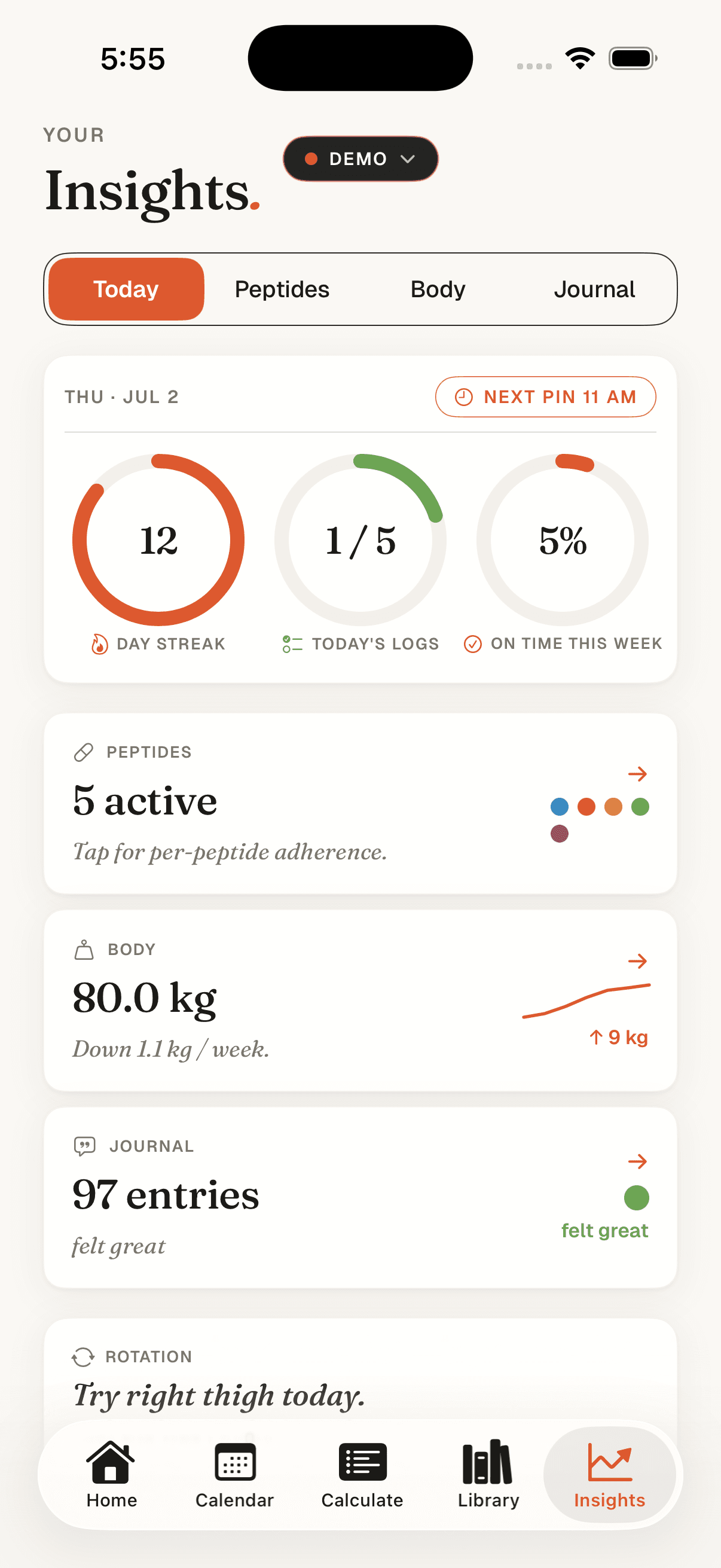
Mostly one thing: it is on the phone that is already in the room. Everything else follows from that: logging in a tap at the moment rather than a row typed later, a reminder that knows whether today is done, and the vial arithmetic derived rather than maintained.
Peptmate stores the vial strength and diluent volume once, so every dose logged against that vial already carries its unit figure. Remaining count is derived from what has been logged rather than counted. The full log exports for an appointment. More on the fields that matter in what to track in a peptide log.
Where Peptmate is the weaker choice
Stated plainly, because a comparison that omits this is not a comparison:
- iOS only at present. A spreadsheet runs everywhere.
- Fixed structure. Tracking something the app does not model is not possible; a spreadsheet column is.
- Paid above the free tier. The calculator and education library are free; full tracking, schedules, and insights are not.
- No arbitrary analysis. There is no equivalent of writing your own query against the history.
A reasonable way to decide
- If entries are reliably made at the moment of dosing and the formulas have been checked, a spreadsheet is doing the job and there is no reason to change.
- If entries have started drifting retrospective, that is the signal, and it is about where the tool lives, not about discipline.
- If arbitrary structure or analysis matters more than logging friction, a spreadsheet is the better fit.
- Both is also legitimate: log in an app, export periodically, analyse in a spreadsheet.